Automation Availability
Automations are generally available and enabled by default for current StackJack tenants. New tenant records also default to enabled. You do not need to request enrollment or turn on a tenant-side…
Written By Christopher Scaminaci
Last updated 3 days ago
Automations are generally available and enabled by default for current StackJack tenants. New tenant records also default to enabled. You do not need to request enrollment or turn on a tenant-side feature switch before building an automation.
When StackJack turns Automations off
StackJack can turn Automations off for a workspace. It is not a normal onboarding gate and is not a self-service portal setting.
When Automations is on:
- Automations appears in the portal sidebar.
- The automation pages, builder, templates, schedules, webhooks, and runtime are available.
- Automations exposed to your connected AI assistant can be discovered and run through StackJack's MCP tools.
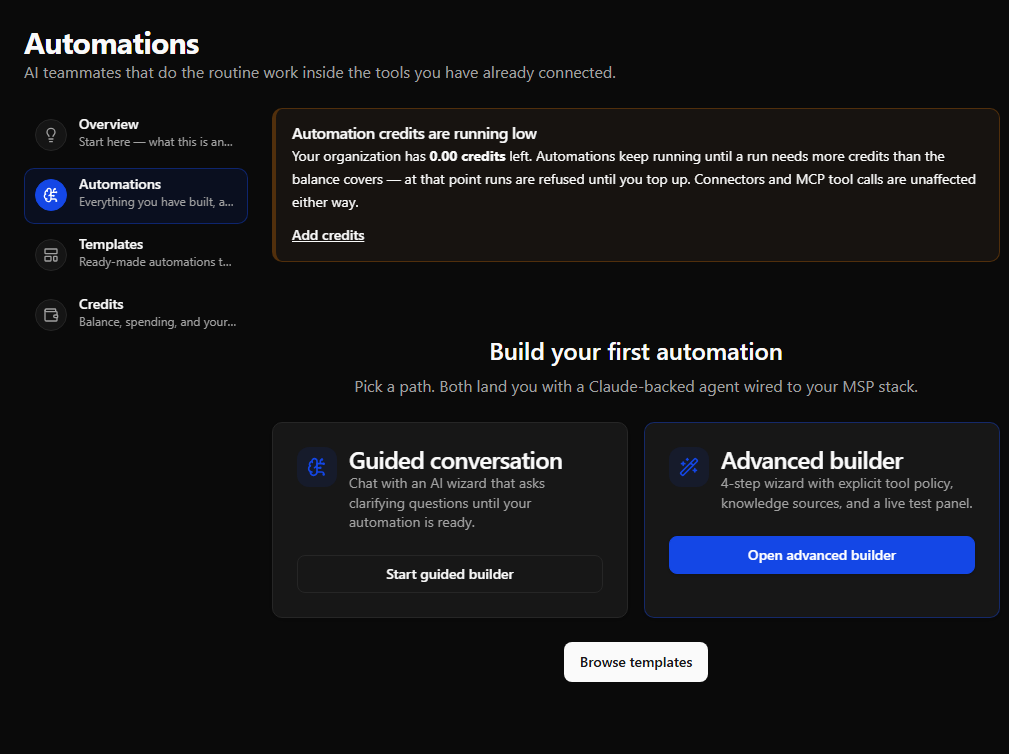
What suspension looks like
When StackJack has switched Automations off for a tenant:
- There is no Automations item in the sidebar navigation.
- Navigating directly to any automations URL (for example
/automations) shows a generic "Page not found" message rather than the feature. - Manual and scheduled launches do not run. A webhook returns
404, deliberately matching an unknown or inactive automation so the public endpoint does not reveal tenant feature state.
If Automations was available and then disappeared, contact StackJack support at support@stackjack.io (or through your usual support channel) to confirm whether Automations was turned off for your workspace.
An Unable to load tenant context (SJ-TENANT-UNAVAILABLE) message is different: refresh the page, then sign out and back in. If it persists, give support that code. It means the portal could not resolve your tenant or session; it does not mean Automations was turned off.
Get started
Open Automations in the sidebar. Your first visit lands on the Overview tab, which walks you through what automations are, and a short guided tour of the page starts automatically. From there:
- Read What Are Automations? for the concepts.
- Buy credits on the Credits tab (runs are metered in credits; 1 credit = $0.10 of usage today).
- Build your first automation from a template, the guided wizard, or the advanced builder.
Still need help? Ask the team